 Shareboxed
Blog
Notes on sharing files without leaving copies behind.

Secure file sharing on macOS: a practical guide
Encrypt before it leaves the Mac, give the link an end, and add a password.

Temporary links and expiring downloads: why they matter
Expiry, a download counter and revoking. The three bounds on a shared file.
Share files straight from your Mac, with nothing uploaded
A direct share serves files from your own Mac. No upload, no copy on a server, no size limit.
Turn your own cloud storage into a file sharing service
Keep files in your own S3, R2 or B2 bucket and let Shareboxed hand out the links.

Shareboxed vs WeTransfer: what actually happens to your files
Both hand you a link. The difference is who can read the files behind it.

Your files are not training data
Shareboxed runs no AI over your files. Not as a promise, but because we cannot read them.

Why Shareboxed exists
One person, one Mac app, and the opinion that file sharing should end by itself.
Why a Drive or Dropbox link is the wrong way to share a file
Cloud drive links are doors you leave open. Sharing needs links that close themselves.

What a password on a file share actually protects
A link travels through channels you do not control. A password makes an intercepted link worthless.
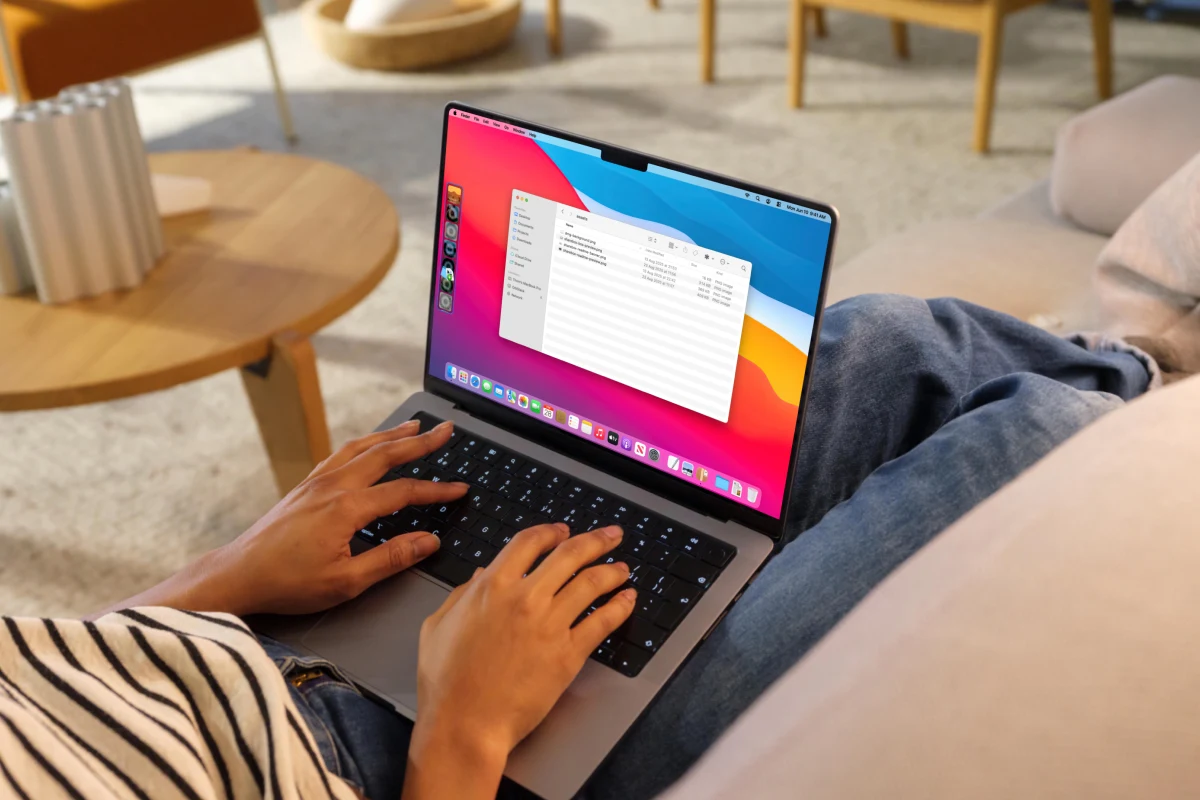
When Shareboxed is the right tool, and when it is not
An honest fit guide. Great tools are specific, and specific means saying no.
Shareboxed vs AirDrop: same room, different planet
AirDrop is unbeatable across the table and useless across the country. Where each one wins.

How to organize files on your Mac without a system you will abandon
A folder structure you can keep, names that sort themselves, and what to do with the Downloads folder.

How to keep your files safe on a Mac
FileVault, real backups, careful sharing and the passwords that guard it all. The order matters.